Table of Contents
Introduction
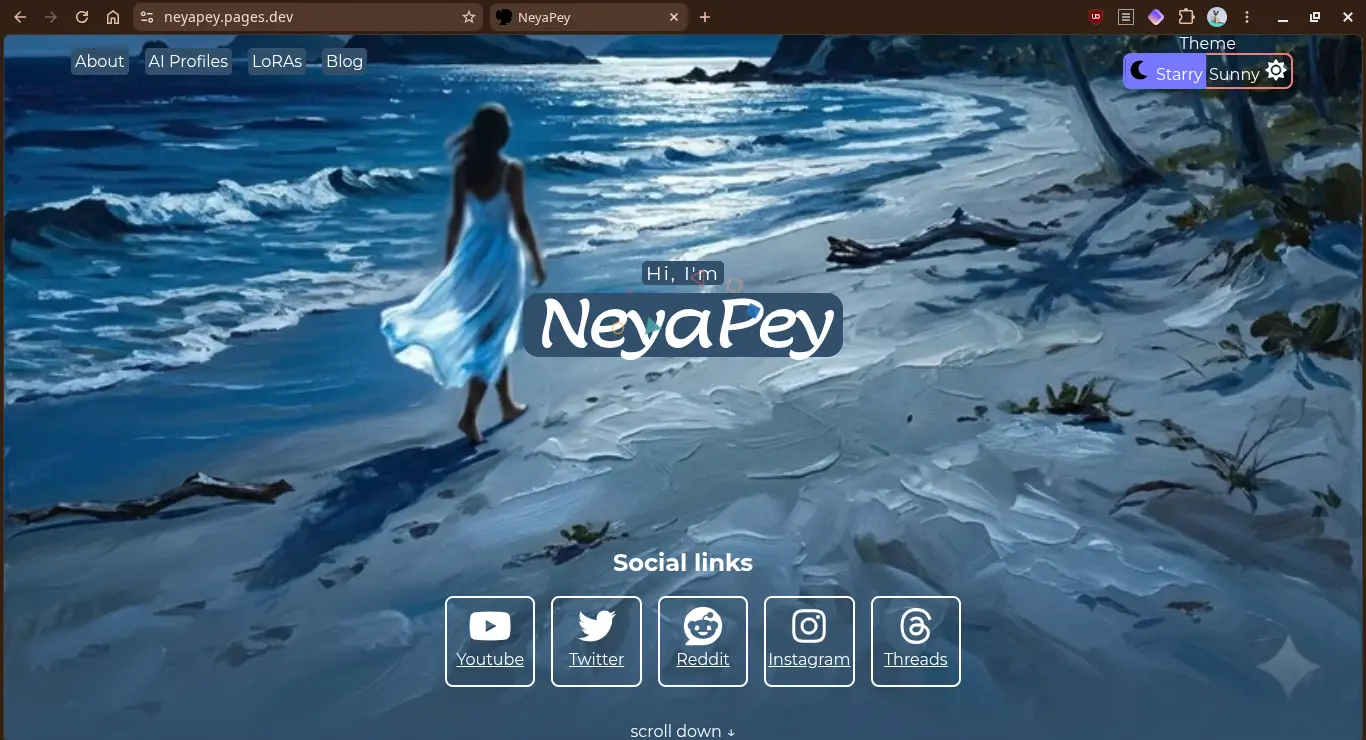
In Part 1 I explained how I created the new Zola project and ported my Sveltekit code. In this project I explain how I migrated the Git repository and updated Cloudflare pages deployment.
What this two-part series covers
Part 1 (Previous post): The motivation, setting up the local workspace, translating components to Tera templates, and migrating CSS.
Part 2 (This post): Cleaning up the GitHub repository history and configuring the new deployment pipeline on Cloudflare Pages.
Migrating the git repo
Cleanup
First we need to clear the old files while keeping the .git folder. You can do it manually via GUI file manager. But I used terminal commands for this.
We use git rm -rf to clear the files. This will retain the .git folder and untracked files.
git rm -rf *

git rm -rf .*
When you execute this you might see an error with some file/folder. In that case, deleting those files with rm -rf works. Be careful not to delete the .git folder.
Copy over Zola project
Once the project is empty with nothing but the .git folder, it's time to copy over the new project. Avoid copying the public folder if it exists in the Zola project.
New .gitignore
New .gitignore file is created so that folders like public or processed_images are not tracked.
 # Zola build artifacts
/public
/static/search_index.js
/static/processed_images/

# IDE files
.vscode/
.zed/
Commit and push the changes
Once the new files are copied over and .gitignore in place, we commit and push the changes.
git add .

git commit -m "Migration to Zola"

git push
Make sure only the required files are added when you execute git add .
Cloudflare pages configuration
The build failed in Cloudflare, obviously, because It still had the Sveltekit configuration.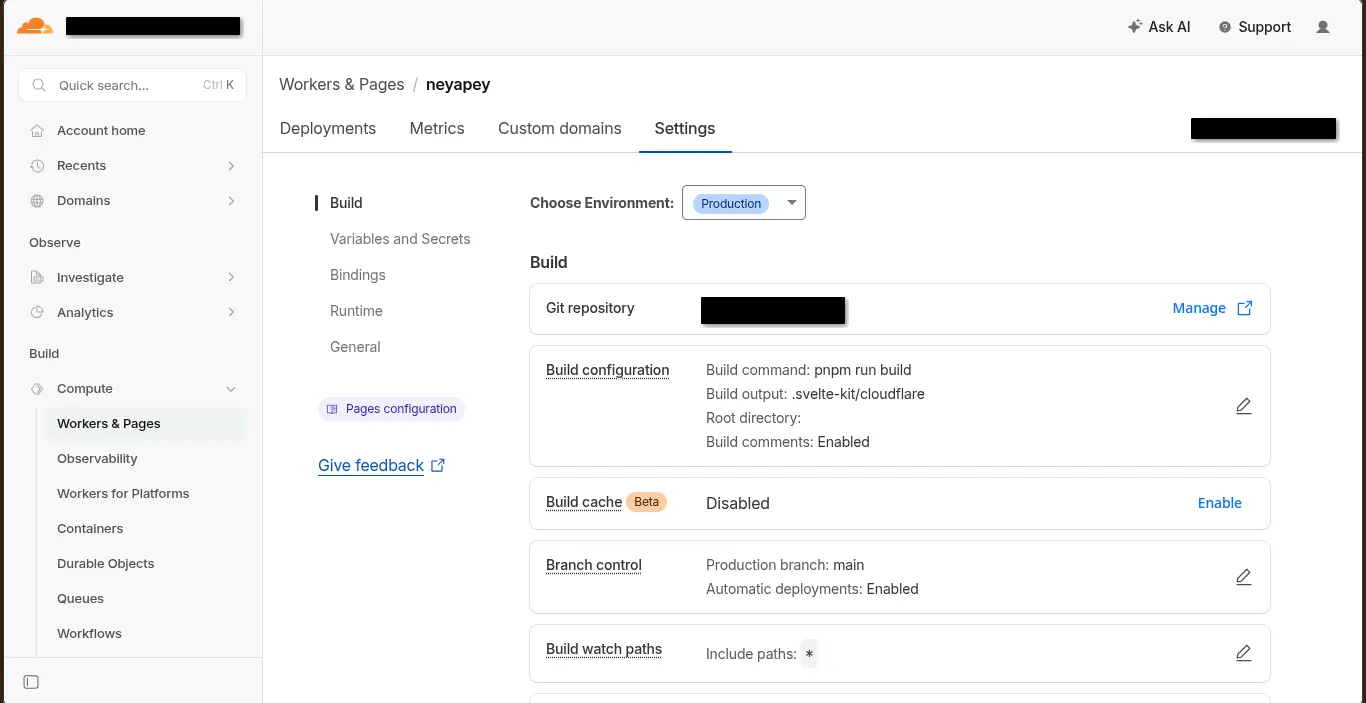
Clicking edit button opened the configuration pane.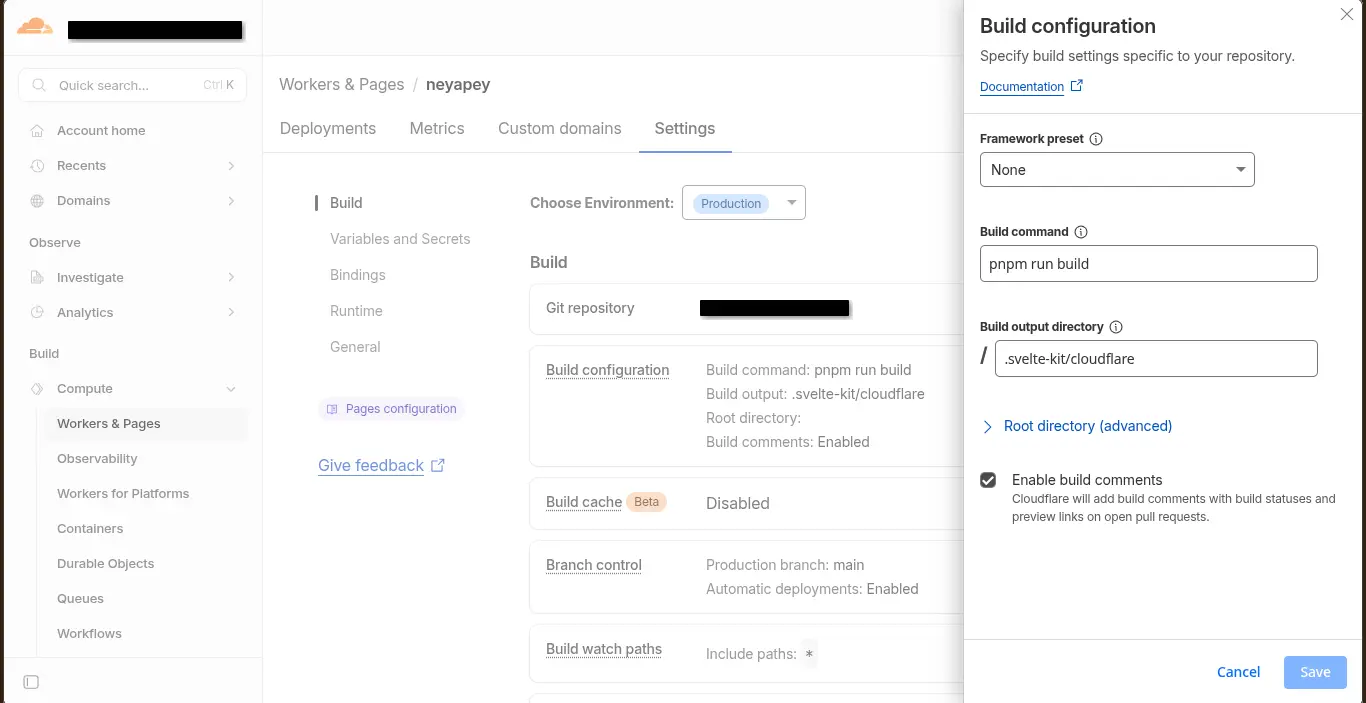
All I had to do was switch to Zola preset and hit Save.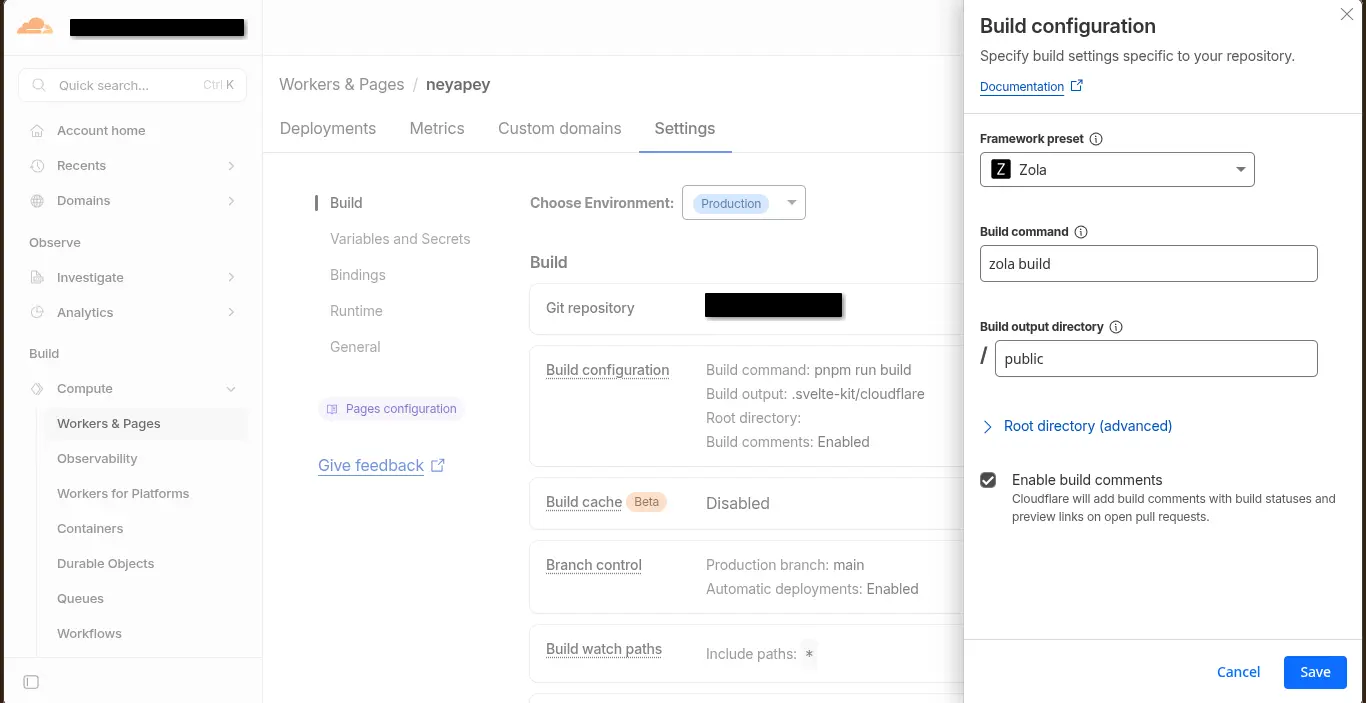
Rebuilding the website
Over on my Github page, it showed a Failed ❌ status for checks on the latest commit. Clicking on it opened the status page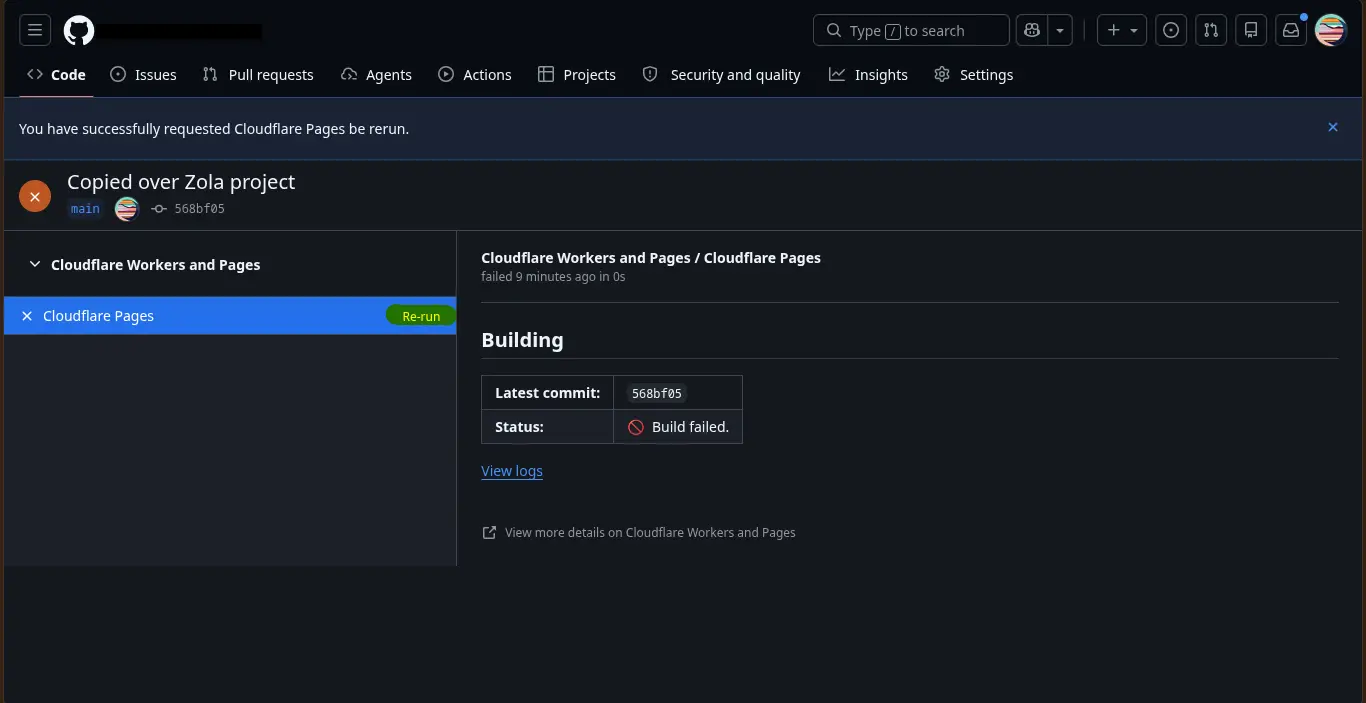
Now all I had to do was click "Rerun". Within a minute, the deployment was successful and my new page was up online.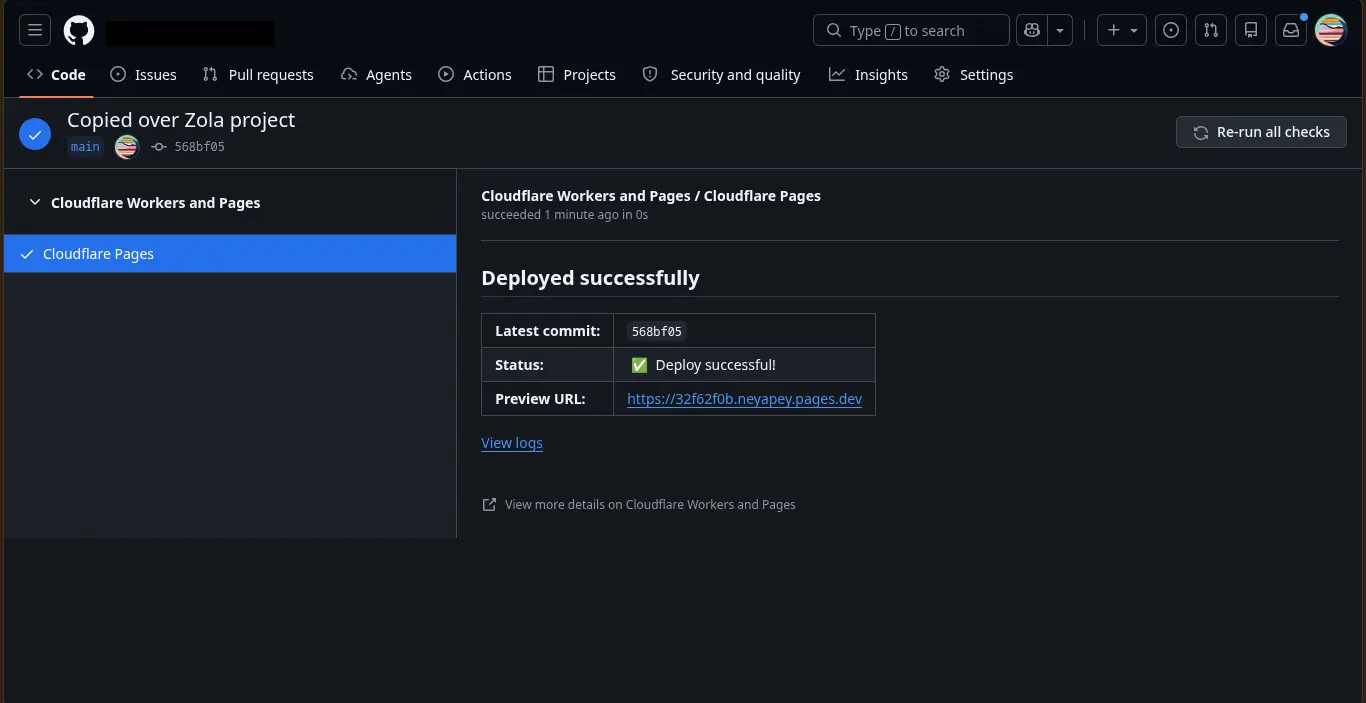
Result and Conclusion
Finally, after months of procrastination, I have successfully migrated away from npm ecosystem. I don't have to worry about npm vulnerabilities, dependabot alerts or JS codebase. The project now feels fresh, fast and a lot more maintainable. I was afraid of messing up my pages deployment, which is why I was procrastinating. But finally, by breaking down the problem into steps I have finally achieved some peace of mind.
I literally had more than a hundred alerts for vulnerabilities. Now there are zero.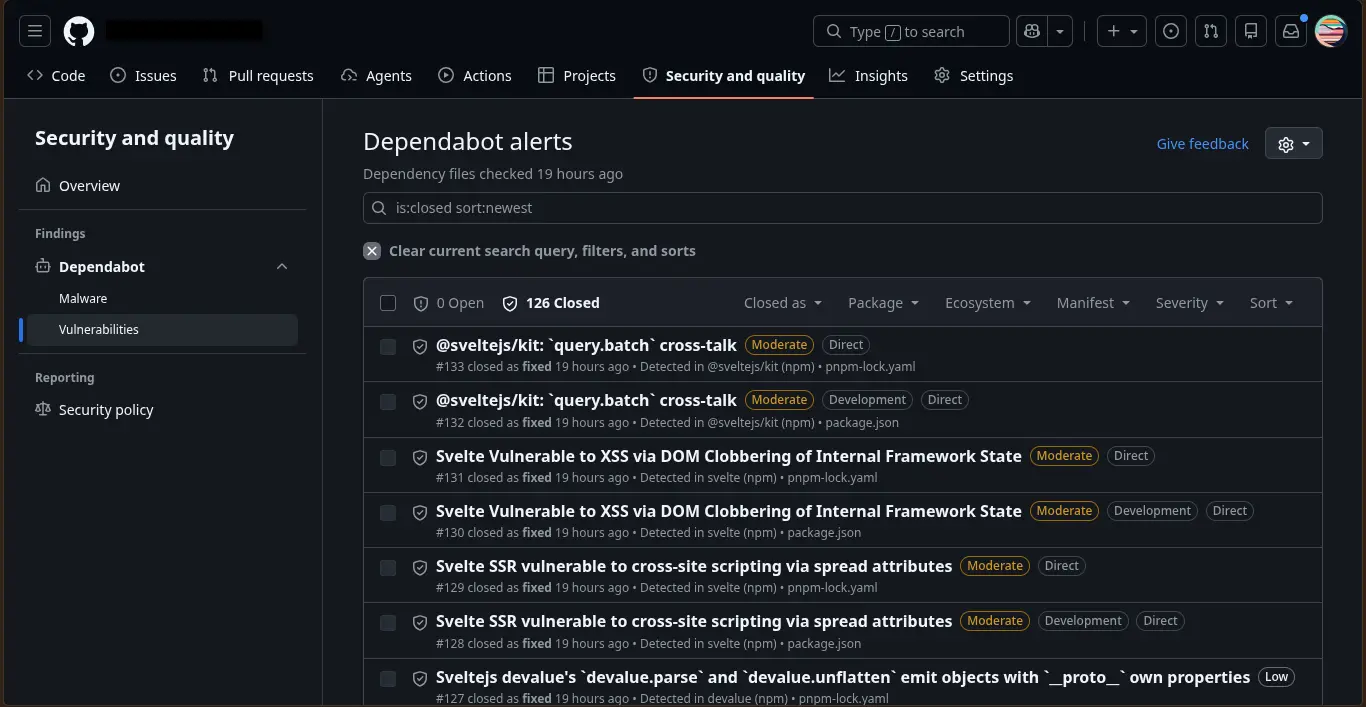
The result is a easy to maintain, JS-free code and a fast website with blog pages written in markdown. All the boiler plate it done, now it's just updating data in configuration if needed or writing more blog pages in markdown.